Examples
Demos
How Time Shaper changes the look of motion from high-frame-rate source footage.
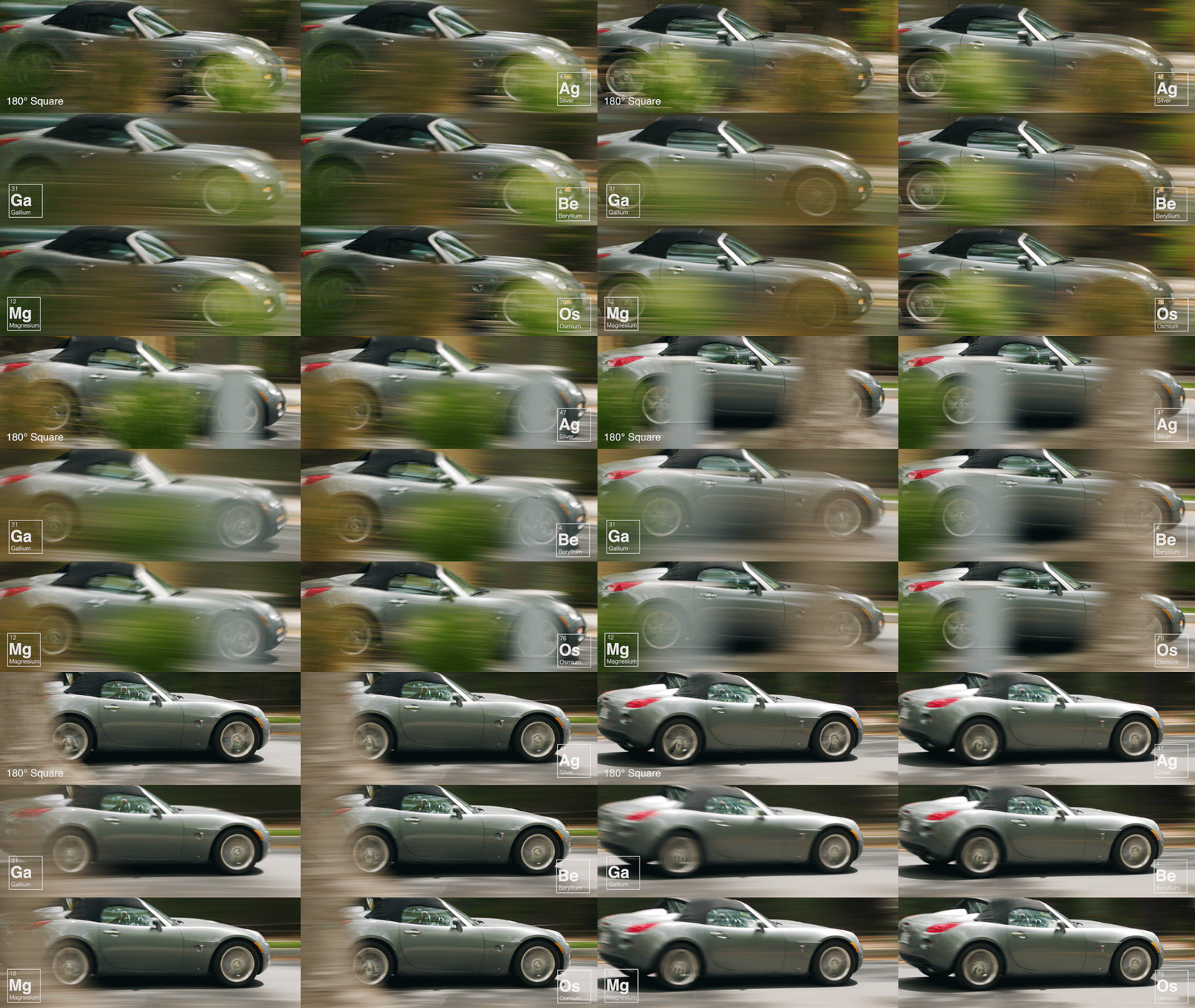
We’ve put together demonstrations of how Time Shaper software can change the resulting look of motion. Because these are very specific frame-rate and motion-representation issues, the best way to evaluate results is to download clips and play them on a system capable of the correct native display frame rates.

GoPro tests
An aerobatic routine filmed with a GoPro Hero 4 Black at 120 frames-per-second, with an ND filter used to achieve a 360-degree shutter. Clips were rendered to 24fps and 60fps with Tessive shutter profiles, including speed-ramp sequences.
ARRI Alexa tests
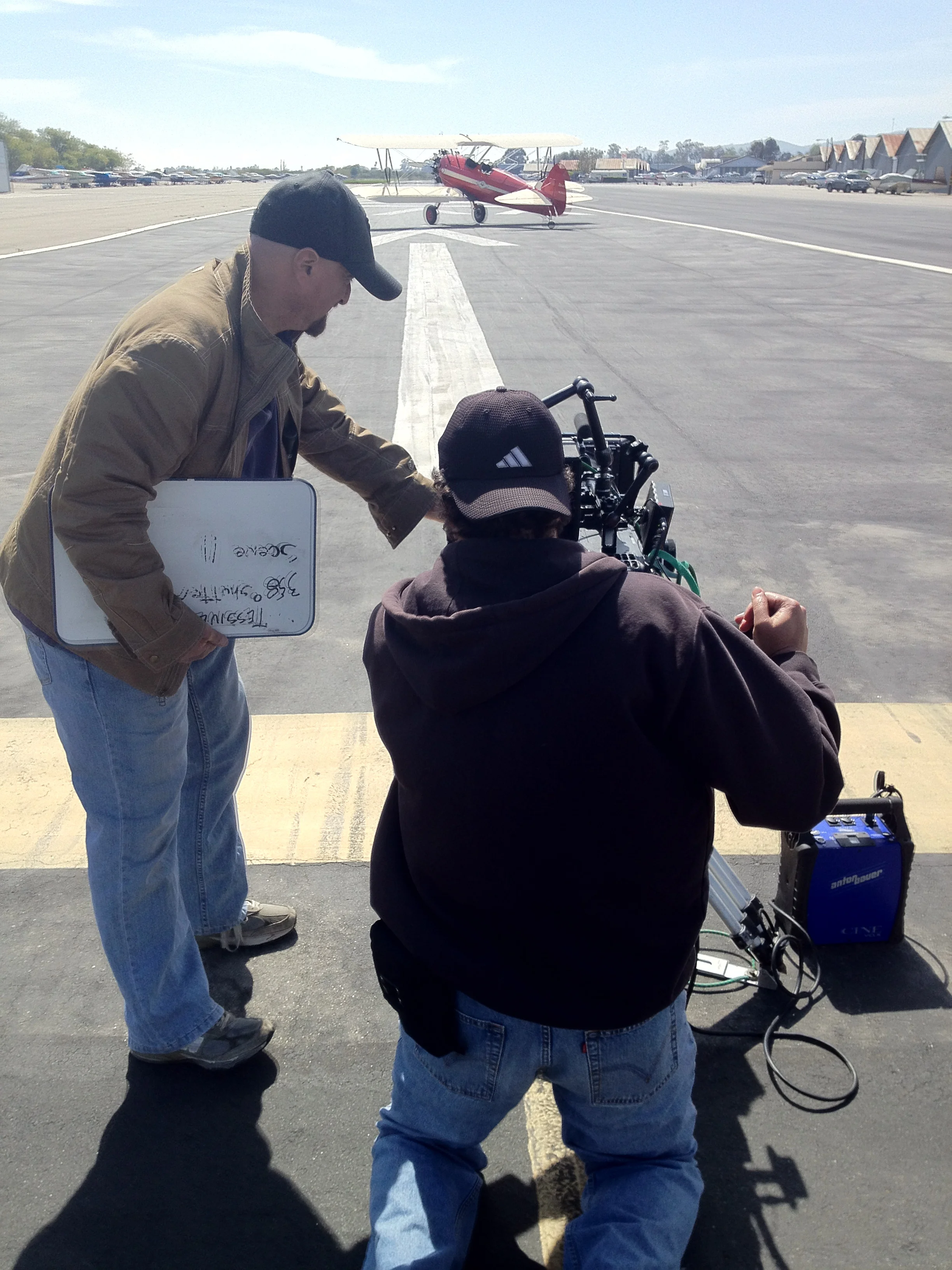
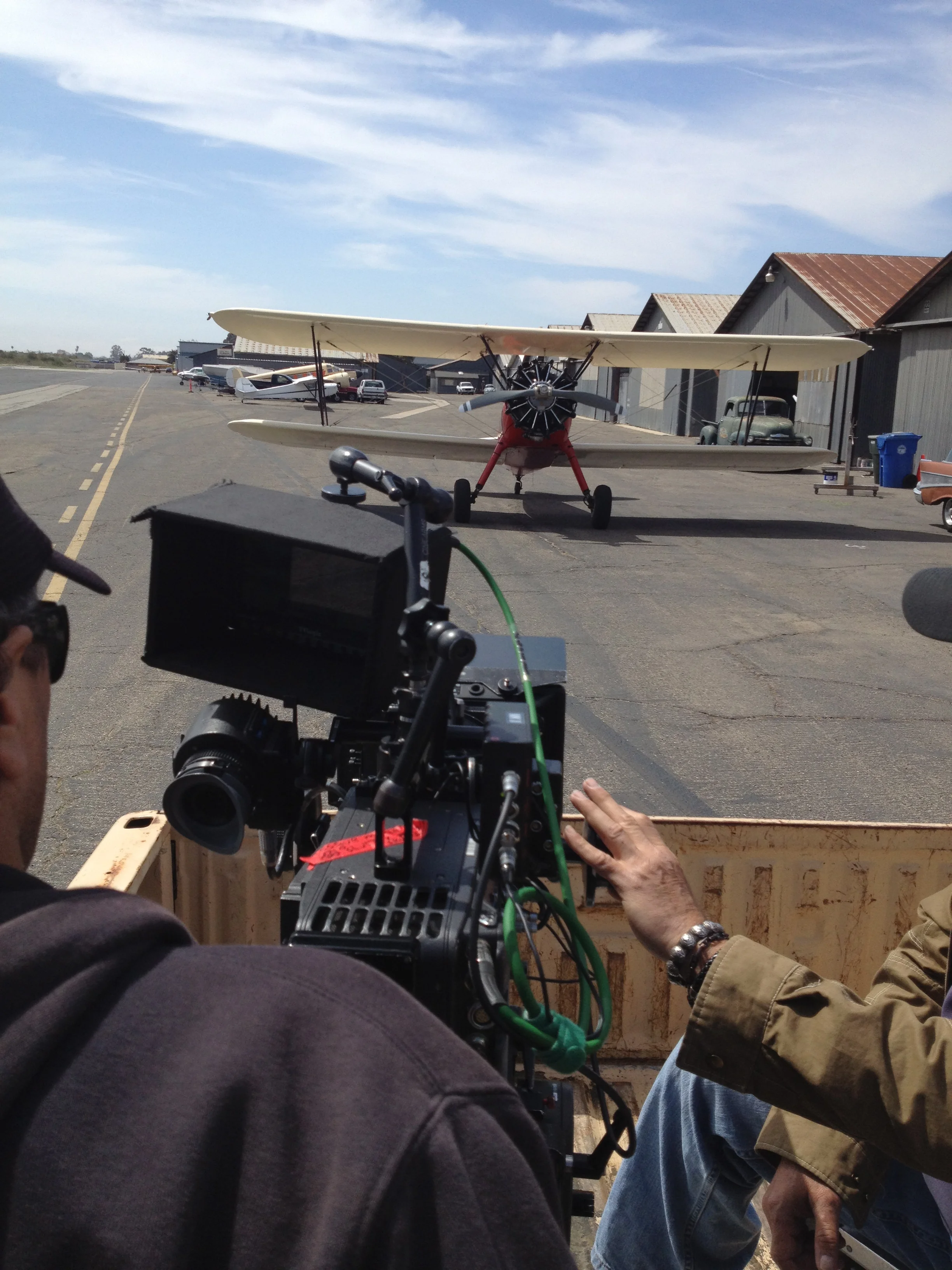
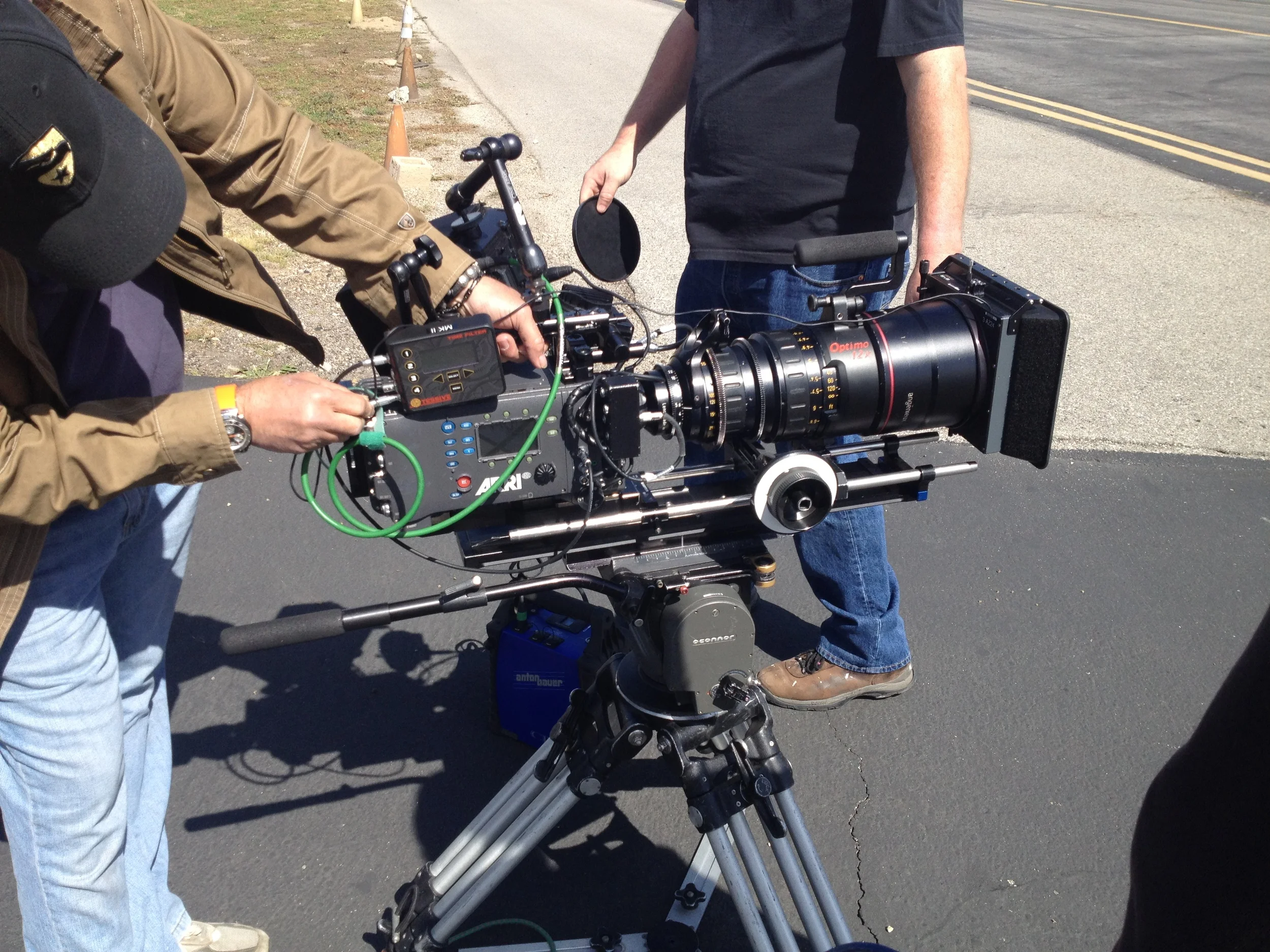
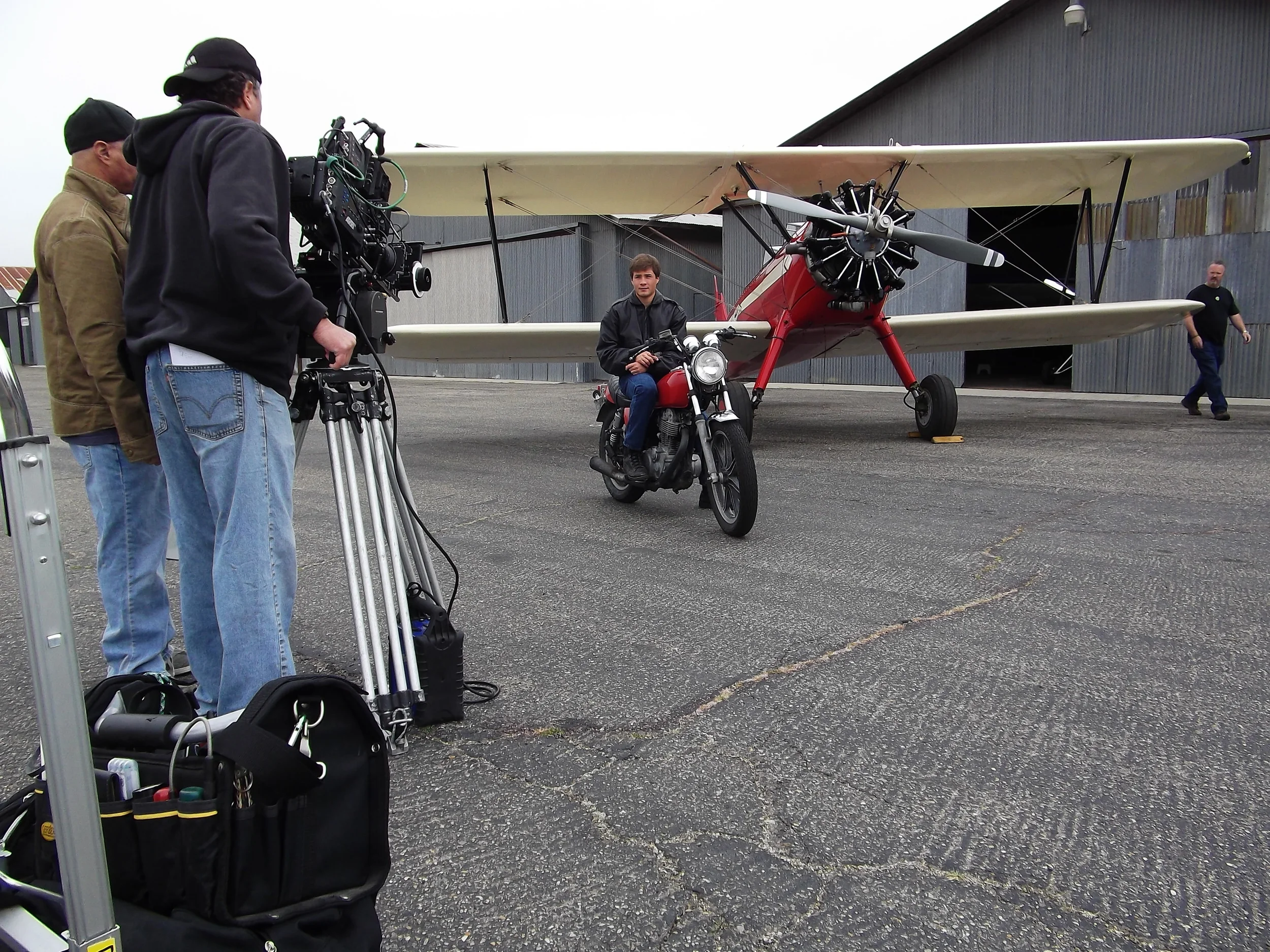
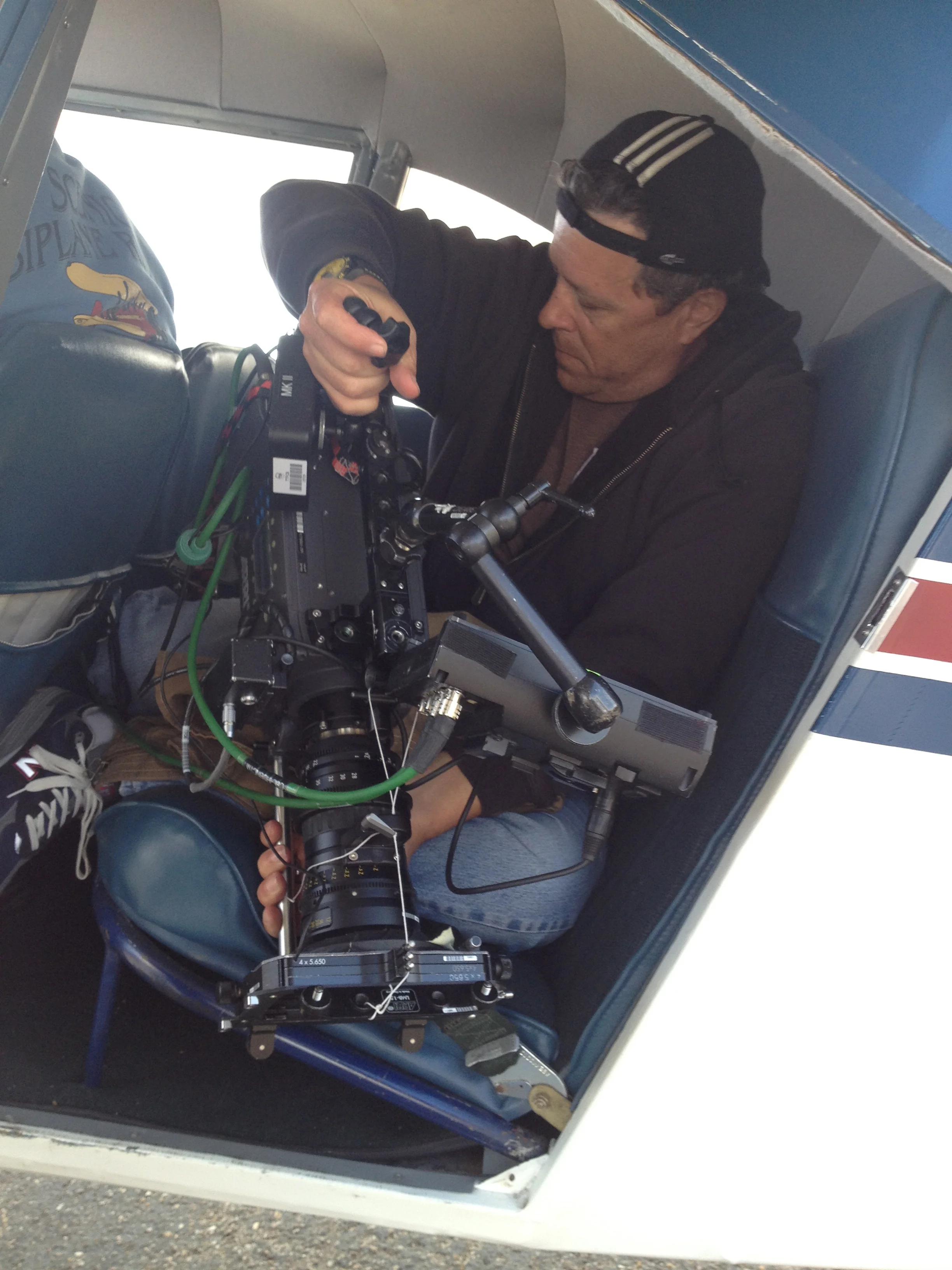
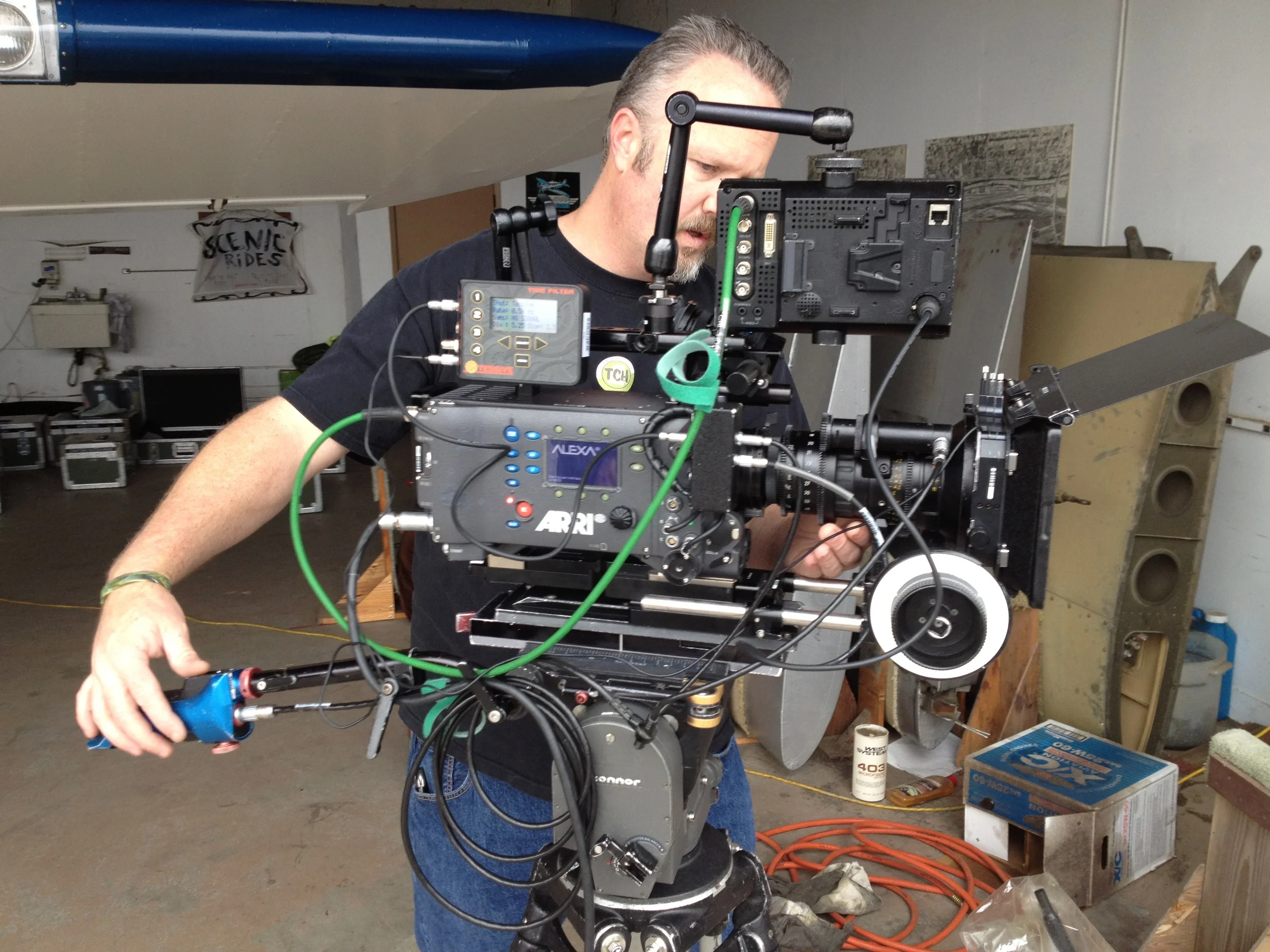
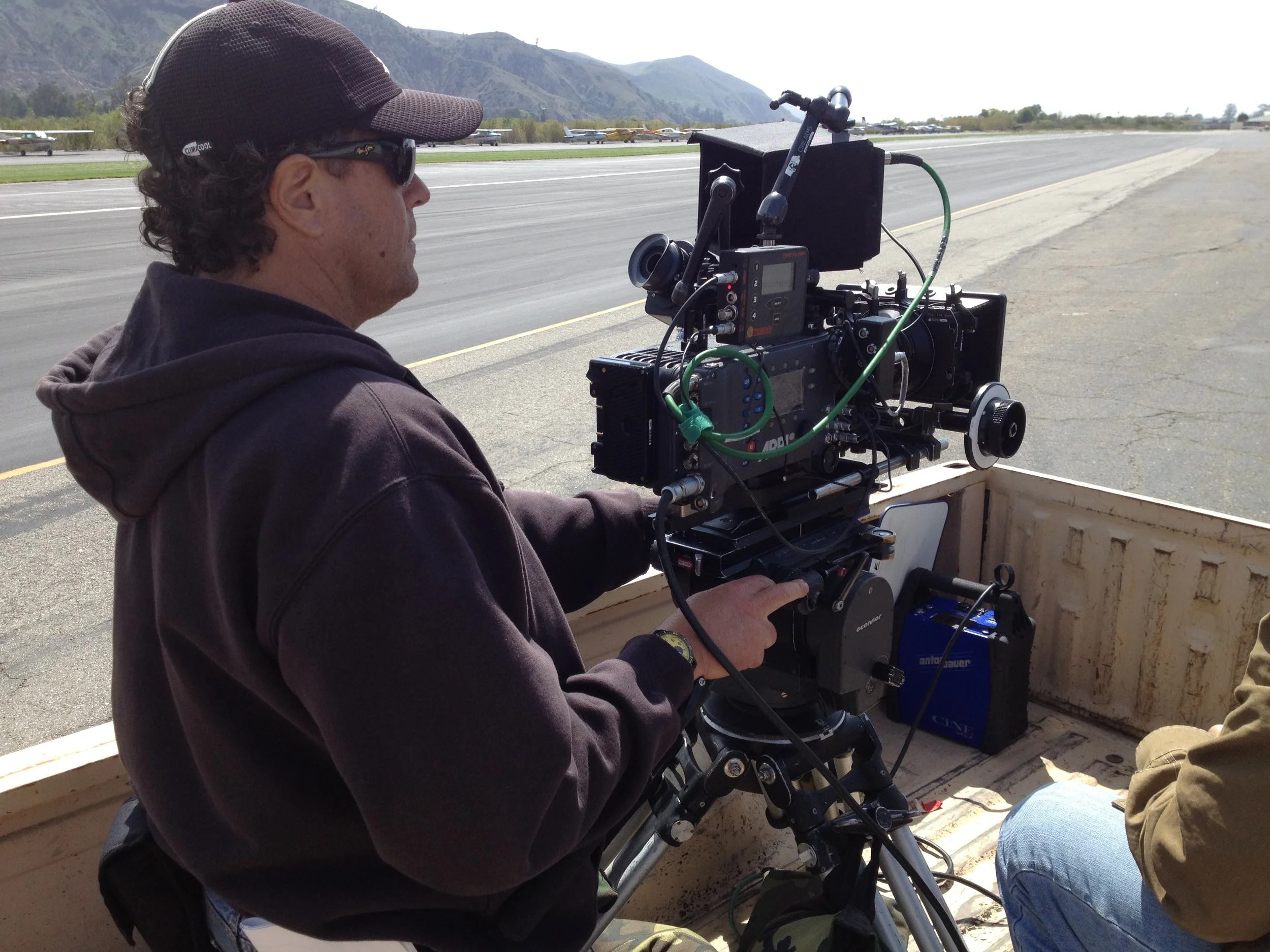
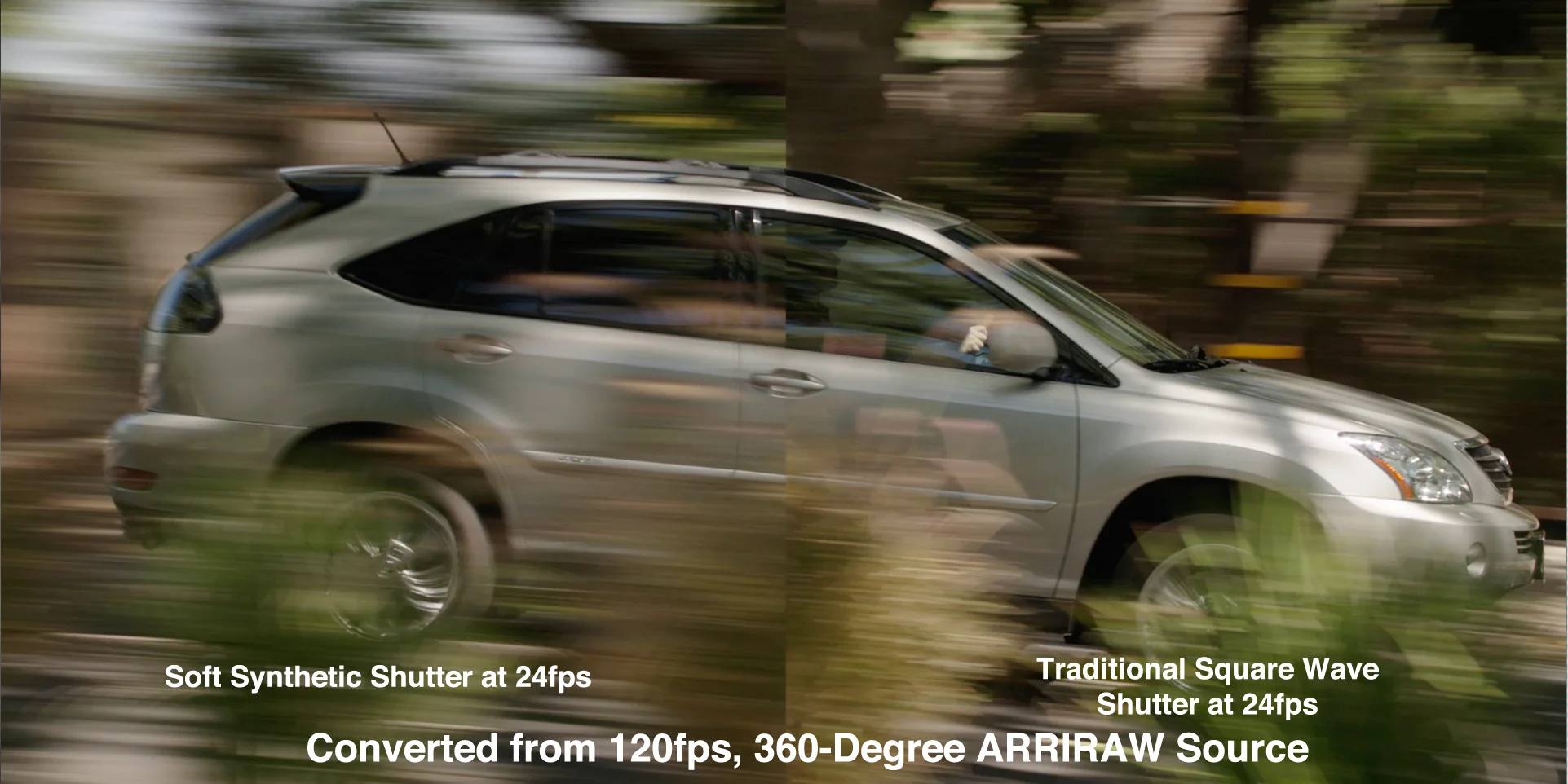
Clips acquired at 120 frames per second with an ARRI Alexa XT set to a 356º shutter. Time Shaper works best when the input frame rate is an integer multiple of the desired output frame rate (for example 120→24 or 120→60).
Shutter comparison
Production stills